Instructions - Professional Press (Portable)
How to Use Your Portable Snap Press
Follow our video guides to apply plastic and metal snaps using your Stand-Up or Handheld Press.
Applying Plastic Snaps with the Stand-Up Press
Follow these simple step-by-step instructions to apply plastic snaps using your Stand-Up Press. We'll show you how to fit the dies, position your snaps and press them securely into place.
Using the Handheld Press? You'll find a video demonstration further down this page.
Fit the Correct Dies
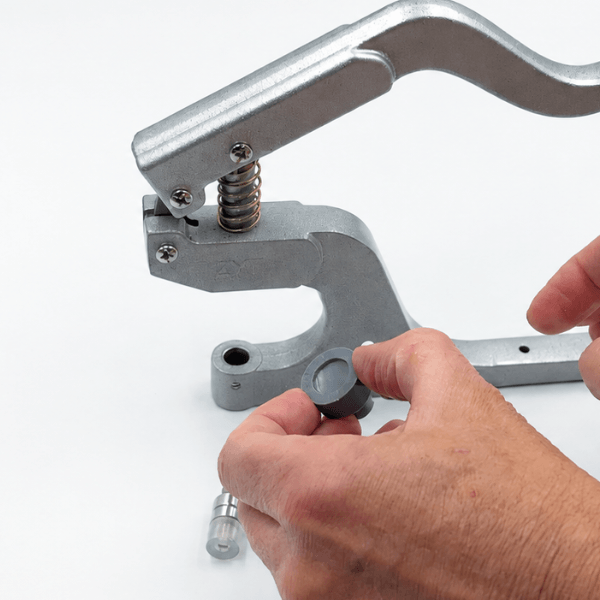
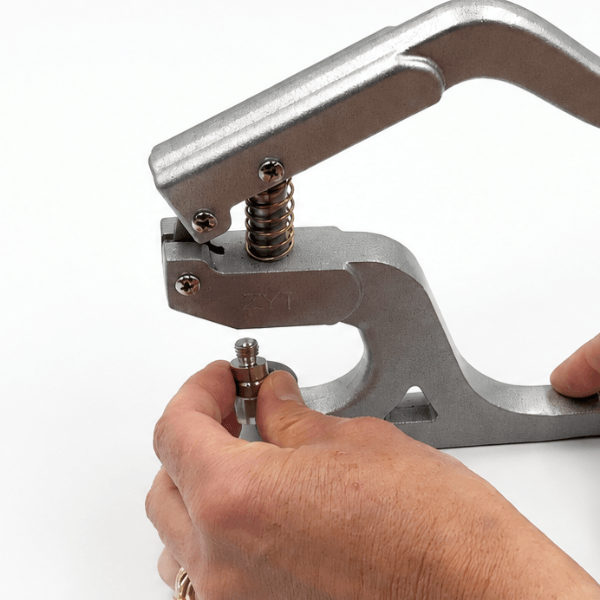
Select the appropriate dies for your plastic snaps. Fit the cap die into the lower hole of the press. Screw the top die into the upper hole, making sure both are securely positioned before use.
Prepare Your Snaps and Fabric
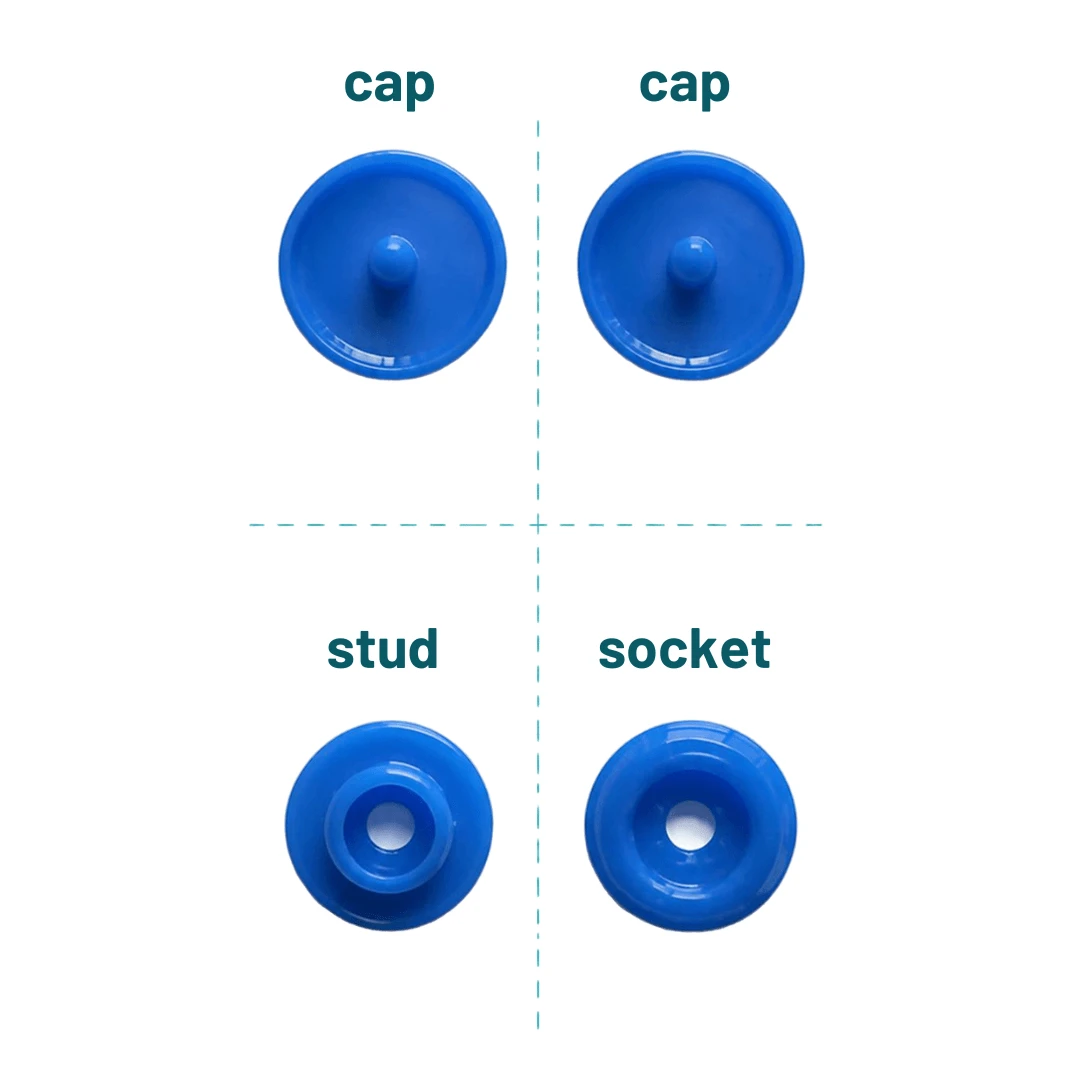
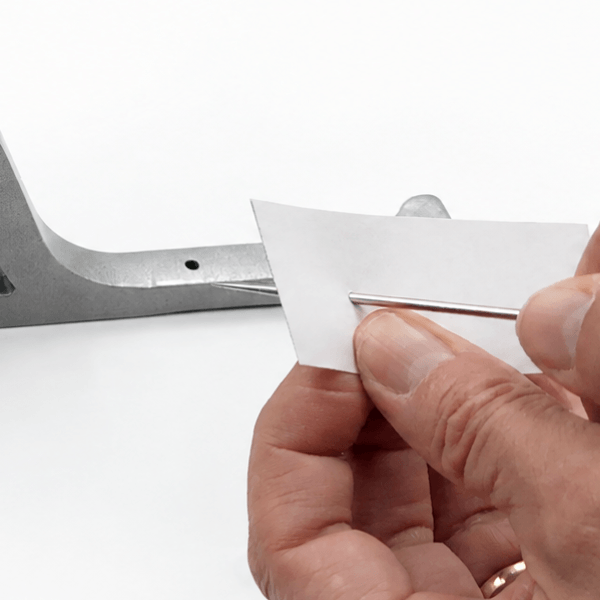
Each complete plastic snap consists of four pieces: two caps, one socket and one stud. Mark where you'd like to position your snaps, then use an awl to make a small hole through the fabric at each marked point (you may find the spike of the cap enough to poke through your fabric).
Position the Snap and Press
With your dies fitted and fabric prepared, you're ready to apply the first half of your snap. Follow the steps below to position the snap correctly and secure it in place.
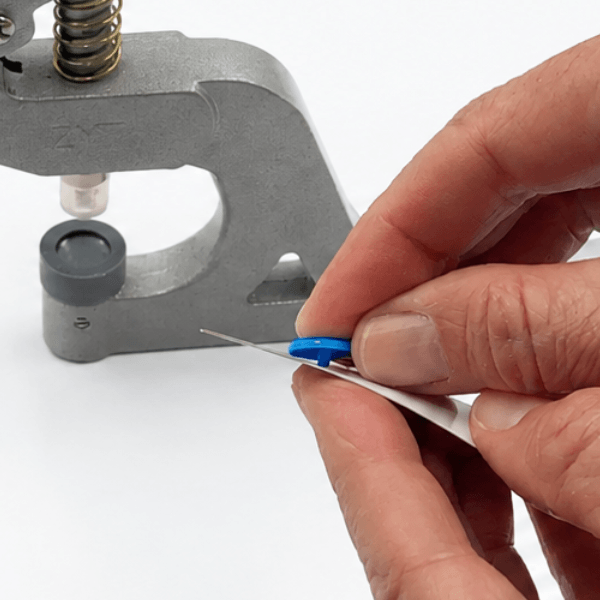
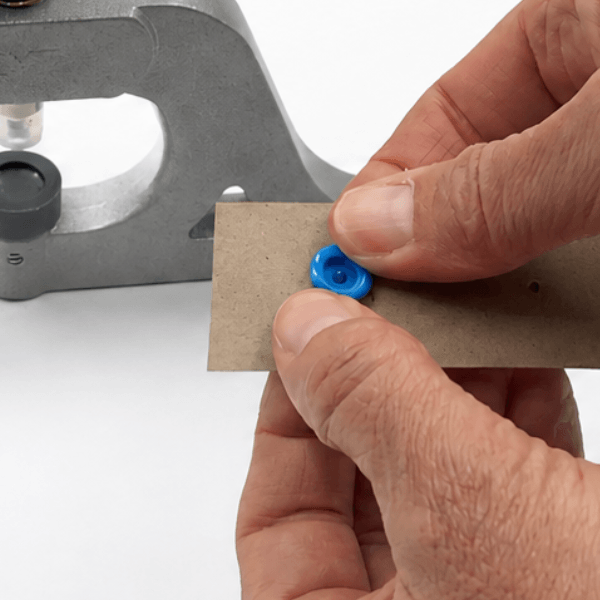
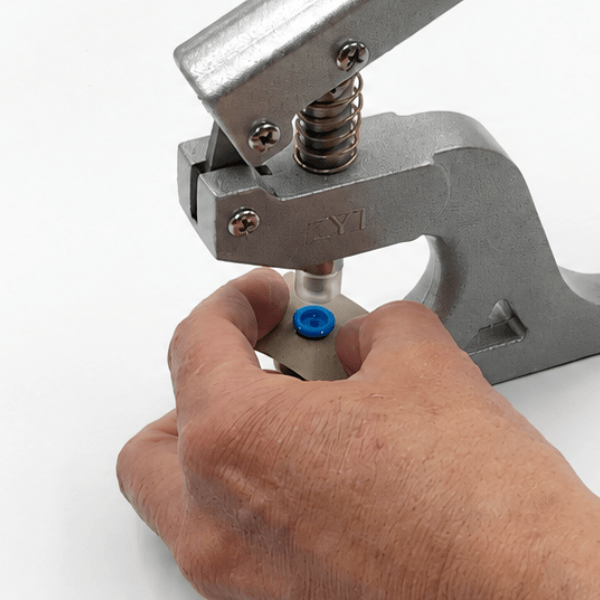
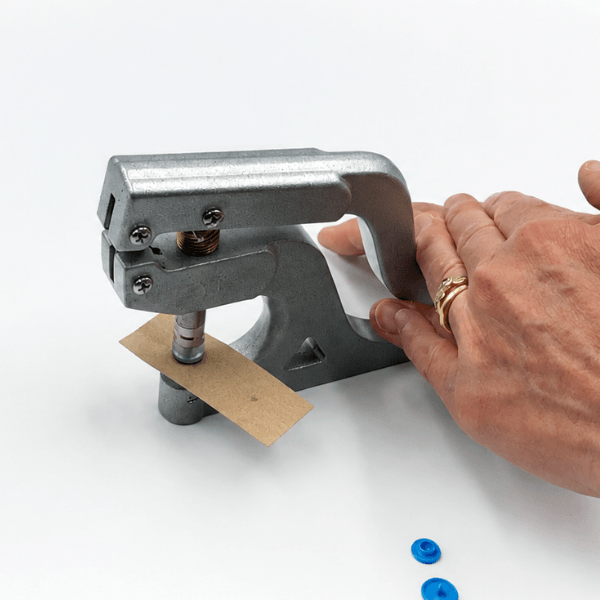
Apply the Other Half of the Snap
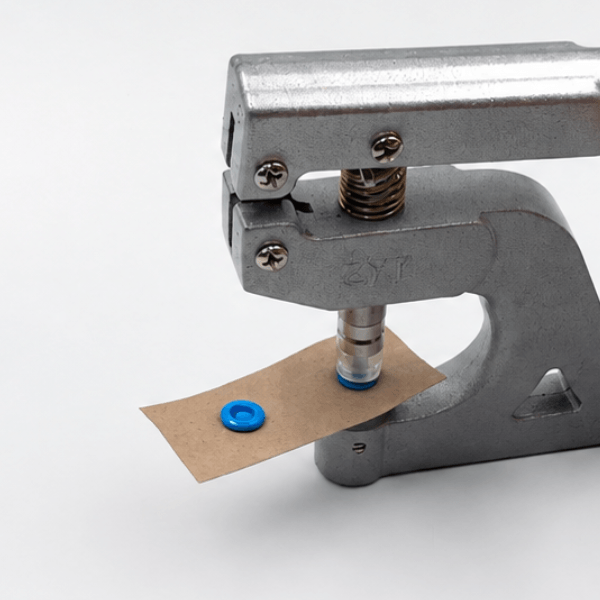
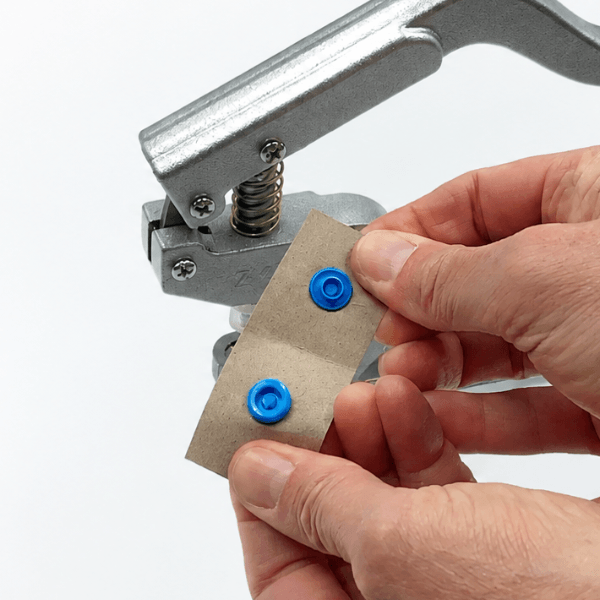
Now repeat the process for the other half of your snap, this time using the stud instead of the socket. There's no need to change your dies!
Why we love No-Change Dies
Our No-Change Dies allow you to apply both sockets and studs without swapping the top die. Making applying plastic snaps even faster and easier!
Watch It in Action
Prefer to watch a demonstration? These videos show you how to apply plastic snaps using both our Stand-Up Press and Handheld Press.
Stand-Up Press Instructions
Applying Plastic Snaps
Learn how to apply plastic snap fasteners using your Stand-Up Press and No-Change Dies.
Applying Metal Snaps
Learn how to apply metal snaps using your Stand-Up Press.
Handheld Press Instructions
Applying Plastic Snaps
Learn how to apply plastic snap fasteners using your Handheld Press and No-Change Dies.
Need Help Choosing a Press or Die?
Not sure which tool or die you need? Our Getting Started guide will help you choose the right products.
View Getting Started Guide →