Instructions - Table Press DK93
DK93 Table Press Instructions
Learn how to set up and use your DK93 Table Press Machine. Follow our step-by-step instructions and videos to assemble your press, install your dies and apply snaps with confidence.
Step 1: Assemble Your Table Press
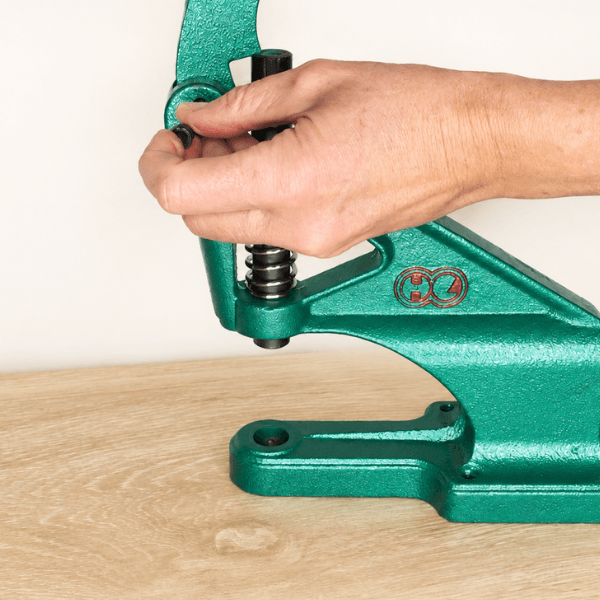
Attach the Handle
Insert the handle into the press and tighten the fixing bolt to hold it securely in place.
Make sure the handle is firmly attached before using your press.
Step 2: Choose and Install Your Dies
Choose the correct dies for the size and type of snaps you're applying. Each die is designed for a specific snap component, as shown below.
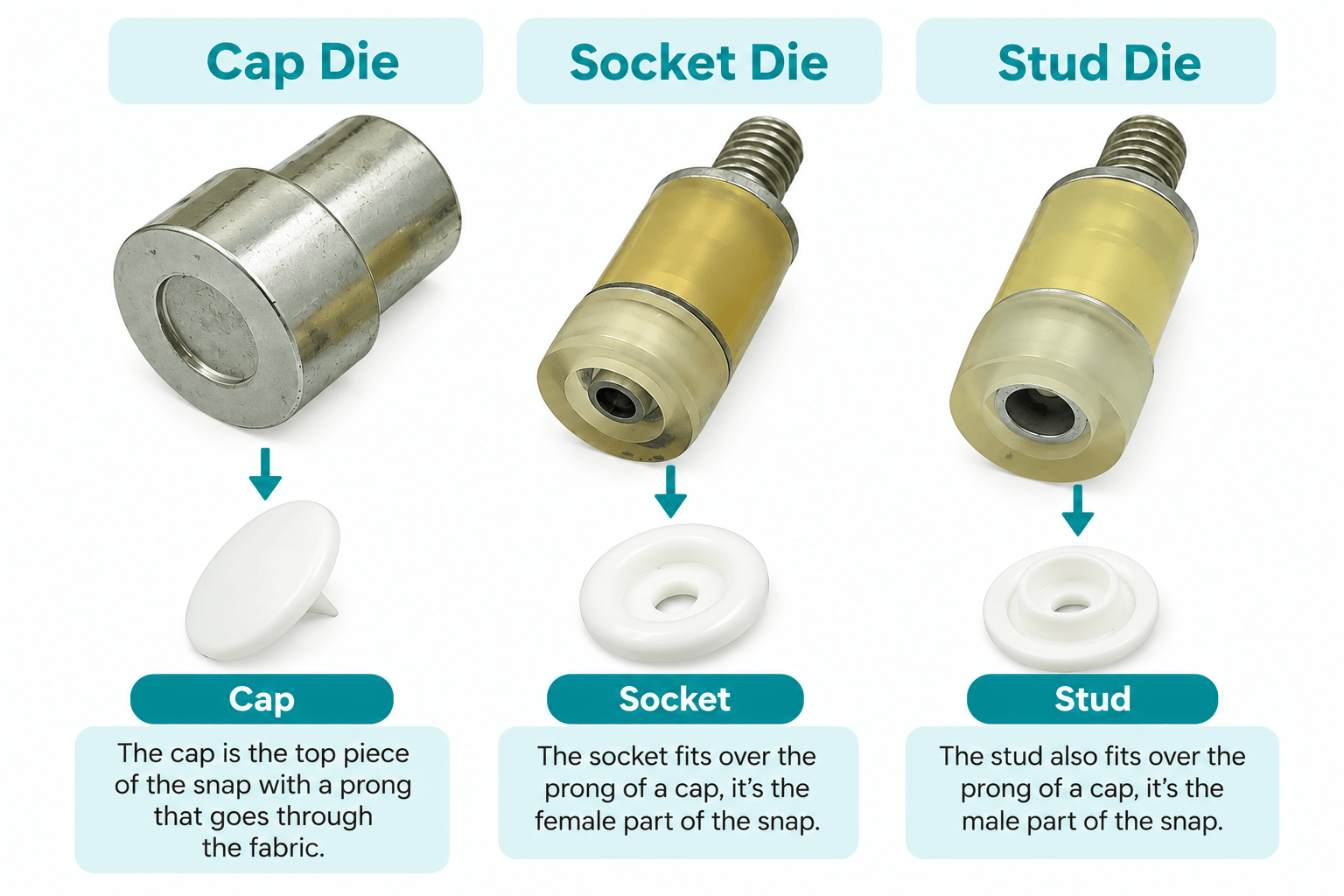
Fit Your Dies
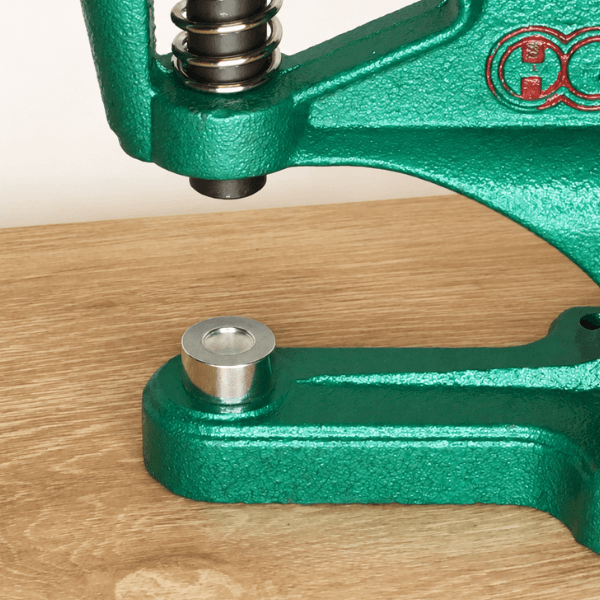
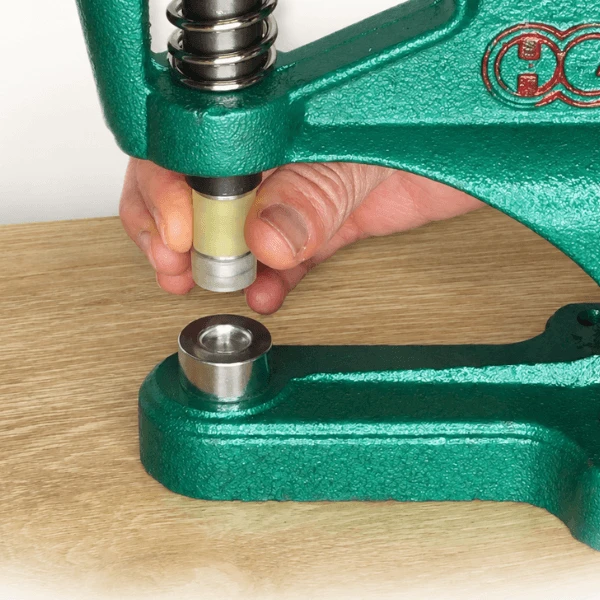
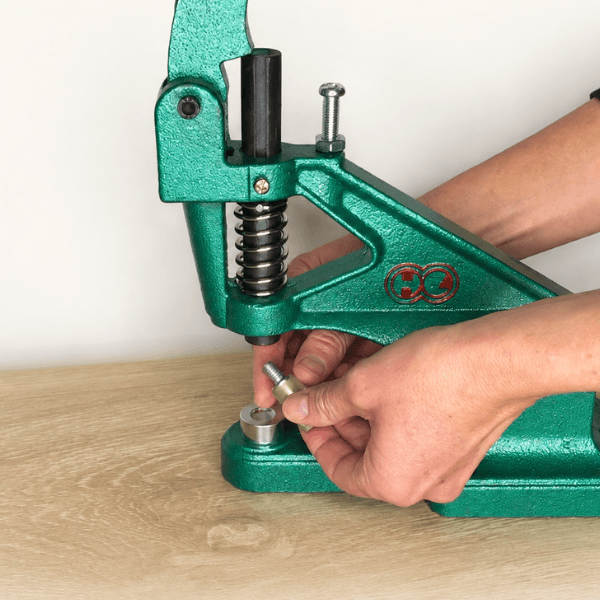
Insert the cap die in the base of the press.
Screw the appropriate upper die (socket or stud) into the press.
Check that both dies are correctly positioned and aligned before applying your snaps.
Step 3: Insert Snaps and Press
Apply the First Half of Your Snap
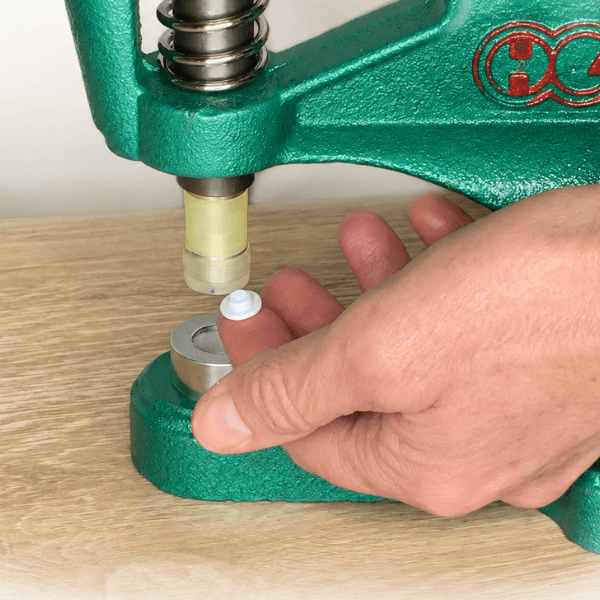
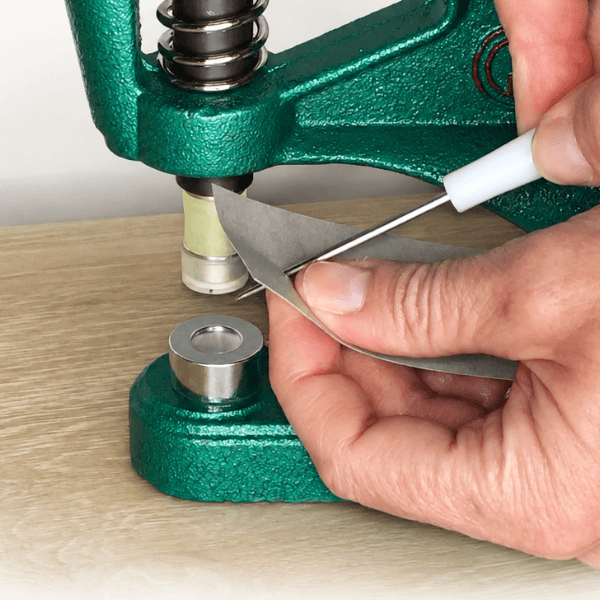
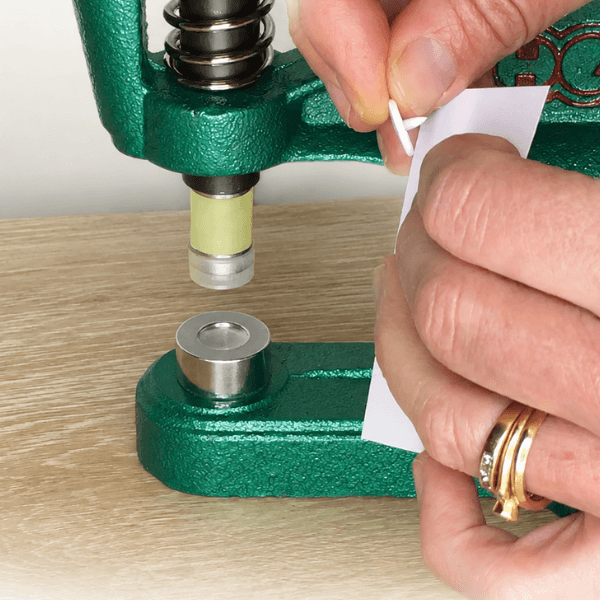
Position the socket or stud into the top die (we're using a stud in this example). Check you have it the right way up.
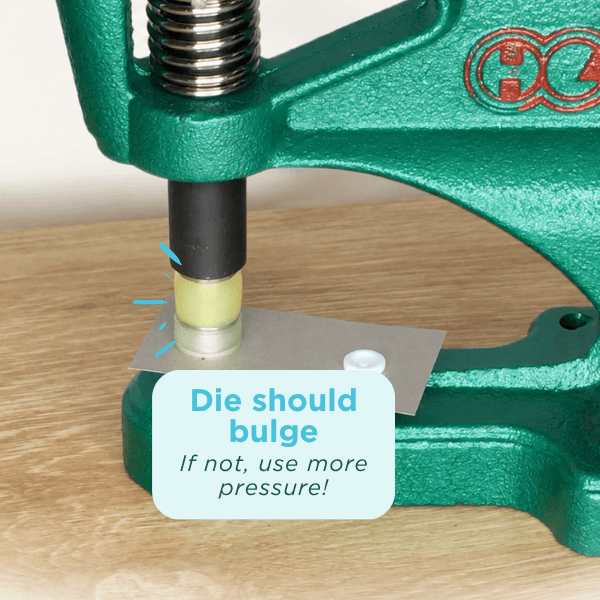
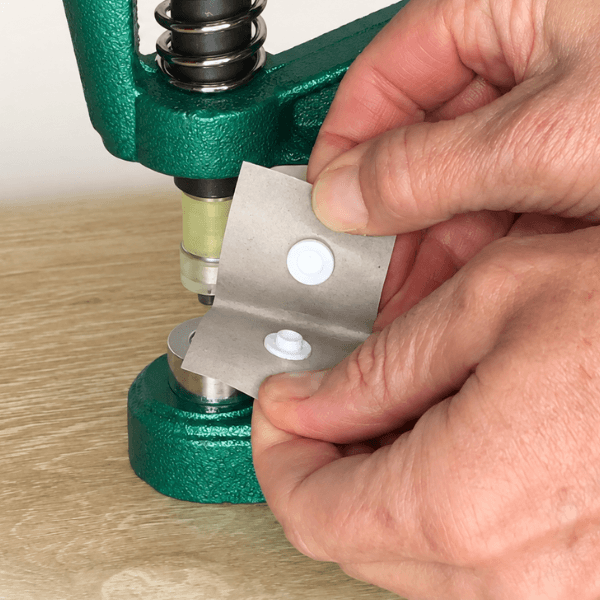
Place a snap cap into the lower die, with the prong facing upwards and pushed through your fabric.
Carefully align the cap in the dimple of its die, then press the handle firmly to secure the snap (when applying plastic snaps, the die should bulge).
Step 4: Change the Top Die and Repeat
Apply the Other Half of Your Snap
Remove the upper die and replace it with the matching die for the other snap component.
Repeat the process using another snap cap and the socket. Once both halves are applied, check that they fasten together securely.
Watch Our Video Instructions
Prefer to watch a demonstration? Our videos show you how to apply plastic snaps using your DK93 Table Press with either Professional Grade Dies or No-Change Dies.
Applying Plastic Snaps with Pro Dies
Applying Plastic Snaps with No-Change Dies
Need More Help?
Still have questions about your press or dies? Explore our helpful guides, or get in touch and we'll be happy to help.